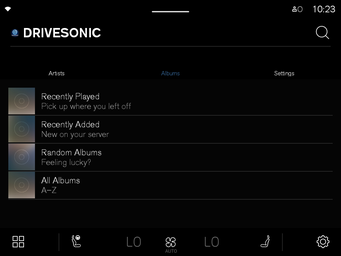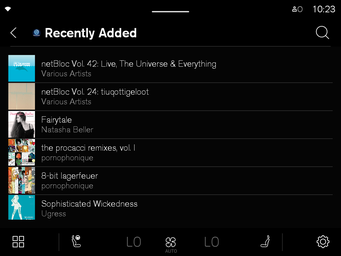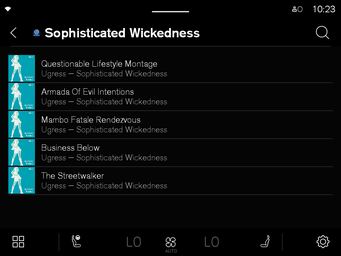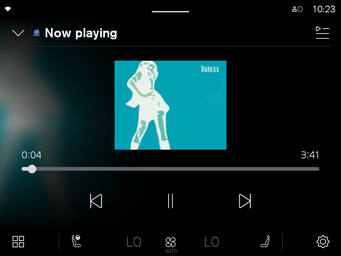
DRIVESONIC
Stream your self-hosted music library natively through your car's infotainment system.
Get it on Google Play
Stream your self-hosted music library natively through your car's infotainment system.
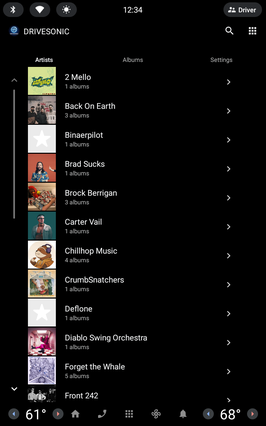
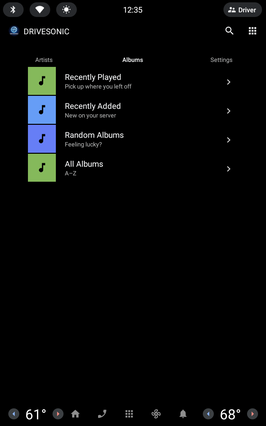
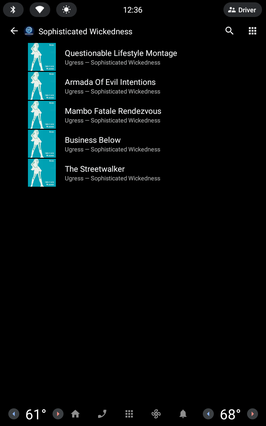
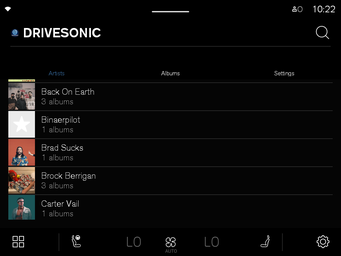
Get it on Google PlayDesigned for Android Automotive OS. Browse artists, albums, and playlists directly through your car's built-in media interface.
Connects to any Navidrome or Subsonic-compatible server. Your library, your rules — no subscriptions, no ads.
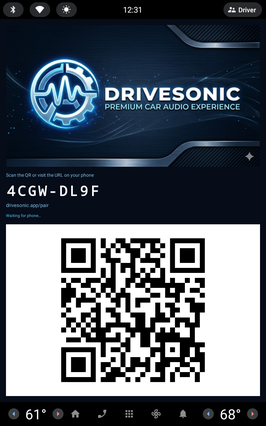
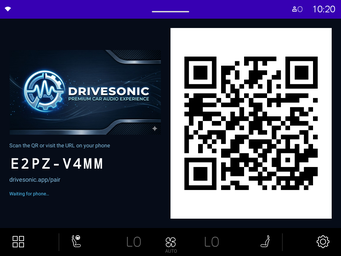
Sign in without typing on a car screen. Get a pairing code, enter it on your phone at drivesonic.app/pair, done.
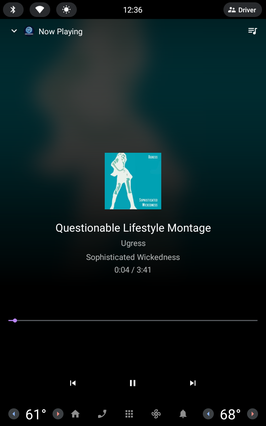
Play, pause, skip, seek, queue management, and steering wheel controls. Just like any built-in music app.
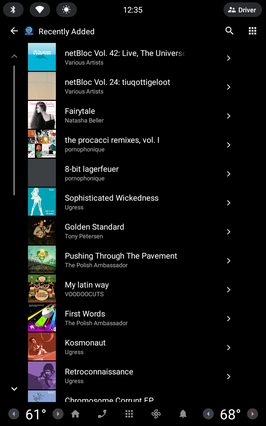
Cover art displayed throughout the interface — while browsing, in the queue, and on the Now Playing screen.
No analytics, no tracking, no cloud storage. Audio streams directly from your server to your car.
Download DRIVESONIC from the Google Play Store on your car.
Your music library appears instantly. Browse, play, and enjoy.
| Feature | Lite | Pro |
|---|---|---|
| Browse artists & albums | ✓ | ✓ |
| Full playback controls | ✓ | ✓ |
| Queue management | ✓ | ✓ |
| Album art | ✓ | ✓ |
| Phone pairing sign-in | ✓ | ✓ |
| Search | ✓ | ✓ |
| Favorite tracks & albums | — | ✓ |
| Shuffle & random mix | — | ✓ |
| Browse by genre & decade | — | ✓ |
| Resume playback | — | ✓ |
| Scrobbling | — | ✓ |